LOCAL MUSIC TOOL FOR MAC

Hear the song.Change the parts.

Let Codex guide the setup.

Sunofriend listens to separate drums, bass, keys, vocals and other song parts. It gives you editable MIDI and a clean instrumental interpretation you can hear before opening your music software.

  • AUDIO STAYS ON YOUR MAC
  • FIRST RESULT IS AUTOMATIC
  • YOU CAN GO DEEPER LATER
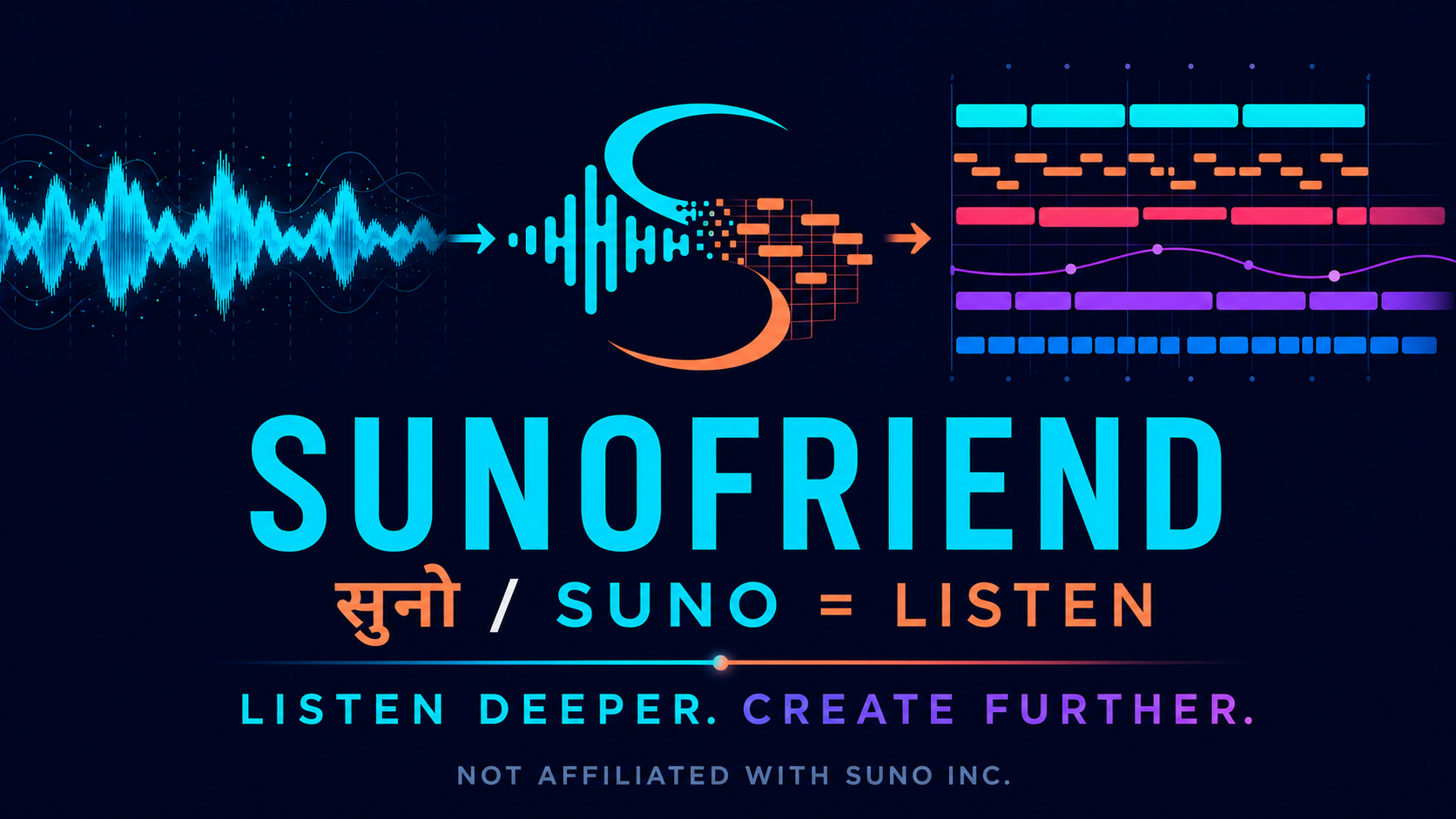
A waveform becoming the Sunofriend mark and editable MIDI notes
You do not need to understand Python.You need a Mac and Codex with local workspace access for the guided route. To use your own song, you also need music you are allowed to process.
01 / EASIEST WAY IN

INSTALL THE GUIDE BEFORE THE TOOL.

Give this job to Codex.

The Sunofriend skill tells an AI coding agent what the tool can do, what must stay local and which questions to ask before it changes anything on your Mac.

TURN 1 / INSTALL THE SKILL

Paste this into Codex with local workspace access. A normal ChatGPT conversation can explain the steps, but it cannot quietly run commands or inspect files on your Mac.

TURN 2 / USE SUNOFRIEND

Paste this into Codex with local workspace access. A normal ChatGPT conversation can explain the steps, but it cannot quietly run commands or inspect files on your Mac.

Do not clone the repository first. If$sunofriend is not recognised after turn 1, restart Codex once and send turn 2 again.

02 / WHERE ARE YOU STARTING?

Pick the sentence that sounds like you.

After the two prompts above, Codex should offer these same three routes one at a time.

A / I HAVE STEMS

I already have separate WAV files.

Give Codex the folder location. It will check that the files sit together, confirm or ask you for the song key and BPM, and prepare a fresh output folder.

  • Best when you already export separate parts
  • Use music you own or can process
  • Codex uses the focused create command
Copy the starter prompt ↑
B / I NEED STEMS

I only have a finished song.

Sunofriend does not separate a mixed song. Codex can explain how to export your own DAW parts or use a separate stem service such as Moises or Suno, subject to that service's terms.

Never upload or process music unless you have the necessary rights.
C / I WANT THE DEMO

I want to try it without personal music or paid stems.

Let Codex run a copyright-safe synthetic stem project through the real automatic pipeline. Then hear the result and explore the included worked MIDI pack.

The built-in demo writes only to a fresh folder you approve.
03 / WHAT YOU GET

A song you can hear and parts you can change.

The first result is deliberately useful before you learn the deeper Studio workflow.

Editable MIDI

Separate note files for the parts Sunofriend could interpret. Change notes, timing and instruments in GarageBand or another DAW.

Listening WAV

A balanced MIDI-derived interpretation for hearing the whole idea. The source stems are level references, not audio in this mix.

Starter ZIP

The individual MIDI, combined MIDI, WAV, receipt and short start guide in one clearly labelled automatic, unreviewed bundle.

04 / HEAR IT FIRST

NO PERSONAL STEMS NEEDED.

Start with your ears.

Run the built-in synthetic demo to see the actual automatic MIDI/WAV/ZIP path. Then hear “Out of Place” for the wider creative goal: musical ideas carried into a new MIDI-derived interpretation.

Out of Place, a Sunofriend musical interpolation
CURRENT BOUNDARY

Local alpha, honestly labelled.

It is not an online converter. This website never receives your stems. Processing currently happens on your Mac.

It is not a stem separator. Bring top-level WAV stems from your own project or an authorised third-party service.

It is not a perfect transcription. The WAV is a creative MIDI interpretation, not waveform reconstruction or a human-approved release master.

05 / HELP SHAPE THE NEXT VERSION

MADE A FIRST SONG?

Tell us where it was easy and where it hurt.